InShot Review 2026: Is It Still the Best Mobile Video Editing App?
- Quick answer: is InShot still worth it in 2026?
- InShot at a glance: the scorecard
- How we tested InShot
- What is InShot, and who actually makes it?
- Is InShot free, and what do you actually get?
- Does InShot put a watermark on your videos, and how do you remove it?
- How much does InShot Pro cost in 2026, and is it worth it?
- What can InShot actually do in 2026?
- Does InShot export 4K, and why do my videos look blurry?
- Does InShot have auto captions, and are they good enough?
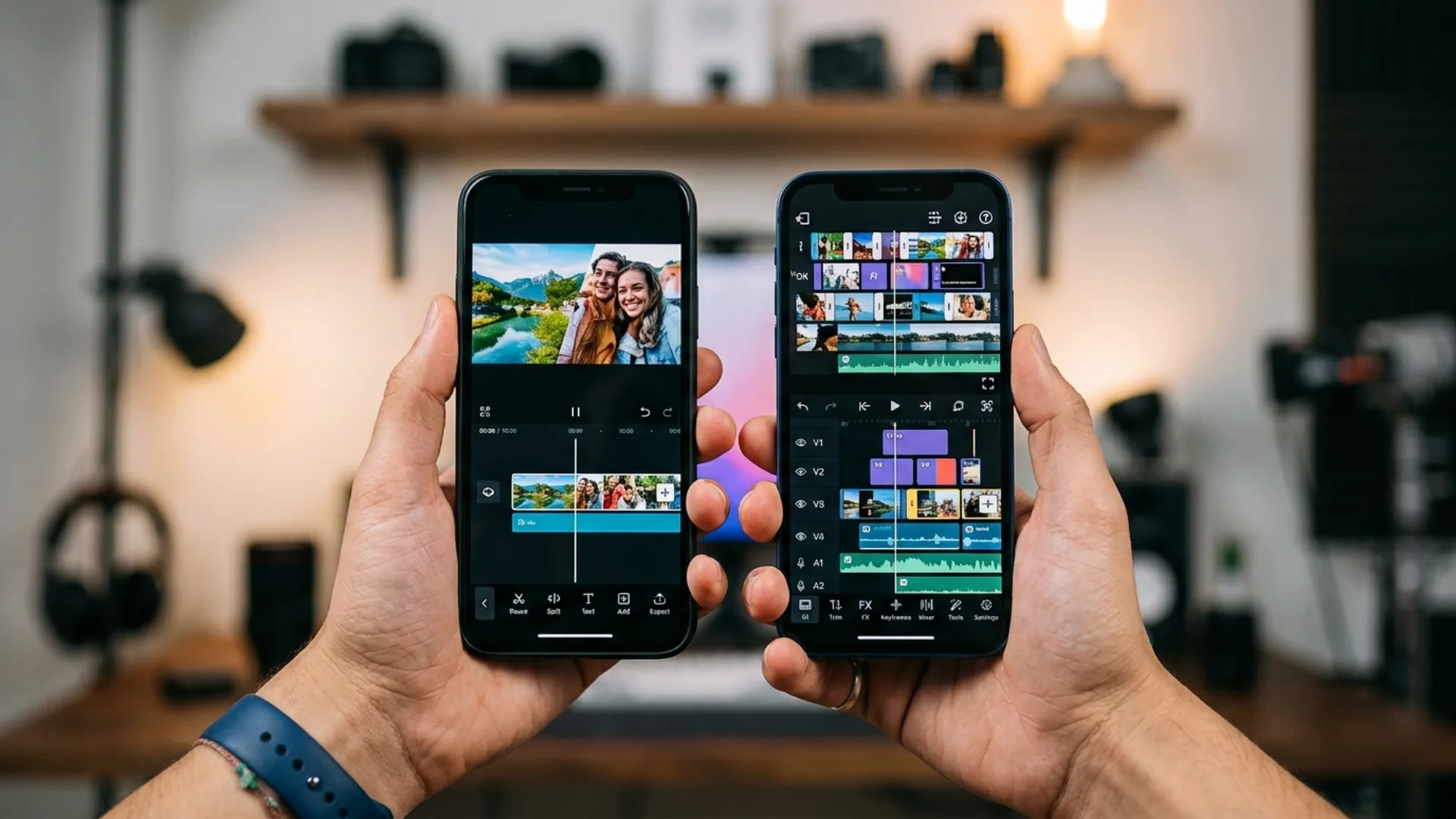
- InShot vs CapCut: which one should you use in 2026?
- InShot vs VN vs LumaFusion: the rest of the field
- Is InShot safe to use, and what about privacy?
- Is InShot good for YouTube and long-form video?
- What InShot still gets wrong
- Seven ways to get more out of InShot
- Should you use InShot, switch, or upgrade?
- The verdict
Quick answer: is InShot still worth it in 2026?
Here is the short version for people (and answer engines) in a hurry:
- Best for: beginners, phone-only creators, Reels and Shorts, fast manual edits, anyone who hates subscriptions
- Not for: caption-heavy talking-head content, complex multi-layer projects, long-form YouTube edits, teams who need a desktop version
- Free version: genuinely usable, exports up to 4K, but adds ads and a watermark
- Pro price: roughly $3.99 to $6.99 per month, $17.99 to $24.99 per year, or $39.99 to $69.99 once for lifetime, depending on your store and region
- Biggest strength: speed. A simple 60 second edit takes minutes, not an evening
- Biggest weakness: auto captions and AI tools are a step behind CapCut, and complex projects can get heavy on older phones
- Our verdict: 8.2 out of 10. Buy the lifetime unlock if it is offered in your region, skip the monthly plan, and pair InShot with a second app if captions are your main workflow
If you want the full ranked lineup instead of a single-app review, we tested the field in best mobile video editing apps in 2026. And if you are building a phone-first shooting workflow rather than just an editing one, start with our mobile filmmaking guide.
InShot at a glance: the scorecard
What is InShot, and who actually makes it?
Two facts about the company matter for your decision:
- It is independent. Unlike CapCut, which is owned by ByteDance, InShot is not tied to a social platform. That is one reason it stays available in markets where CapCut faces restrictions.
- It is mobile only. There is no official desktop or browser version. If your workflow ever needs to move to a computer, you will be exporting files, not opening the same project. We cover that handoff in how to move phone footage into Premiere Pro.
The app has also changed shape in 2026. It now markets itself as an AI video editor, with AI effects, background removal, smart image expansion and voice tools sitting alongside the classic trim-and-caption toolkit. The interface, thankfully, has not been rebuilt around them.
Is InShot free, and what do you actually get?
What the free version costs you instead:
- A watermark in the bottom corner of every export
- Ads, including interstitials that interrupt your editing flow
- Locked assets, meaning a share of filters, effects, transitions and sticker packs are Pro-only or sold as individual packs
- No priority on new features, since most new AI tools arrive Pro-first
For testing the app, learning to edit, or posting casually, the free tier is completely workable. For client work or a channel you care about, the watermark alone makes Pro non-optional.
One honest note on the free experience: InShot’s ad frequency is the single most common complaint in recent reviews, ahead of price and ahead of missing features.
Does InShot put a watermark on your videos, and how do you remove it?
The workarounds you will find on YouTube all have real costs:
- Cropping or zooming to push the logo out of frame. You lose resolution and you re-compress the video, which is the fastest way to turn a sharp export into a soft one
- Third-party watermark removers. These re-encode your footage, often at a lower bitrate, and many upload your video to a server you do not control
- Modded “InShot Pro APK” downloads. These break the terms of use, do not receive security updates, and are a well-documented malware vector. Do not install them on a phone that holds client footage
If a watermark-free free editor is the actual requirement, VN is the app to look at, and we compare it directly in our free 4K mobile editing apps roundup.
How much does InShot Pro cost in 2026, and is it worth it?
Two cautions before you buy:
- Lifetime availability comes and goes. Users have reported the option disappearing from some regional listings, then returning. If you see it and you plan to keep editing on your phone, take it
- Buy inside the app, on your own store. Prices quoted on comparison sites are often from a different region, and “discount” Pro keys sold on third-party sites are not transferable licences
If you are weighing this against CapCut’s plans, we break those down separately in CapCut Pro pricing in 2026.

What can InShot actually do in 2026?
A workflow note worth stealing: because PIP accepts any video file, pre-rendered overlay footage drops straight onto a mobile timeline. Light leaks, audio-reactive backdrops and abstract elements from a pack like Tour Visual Elements can be layered in InShot with a blend mode and an opacity keyframe, which is the cheapest way to make a phone edit look designed rather than filtered.
Does InShot export 4K, and why do my videos look blurry?
In our testing, the app is rarely the whole problem. Five things cause almost every soft export:
- Your source is smaller than your export. Exporting a 1080p clip at 4K does not add detail, it just upscales and softens. Match the export to the source resolution
- You zoomed into a still image. A 1080p wide photo pushed to a 2x keyframe zoom is showing you 540p worth of pixels. Import stills at two to three times your final frame size
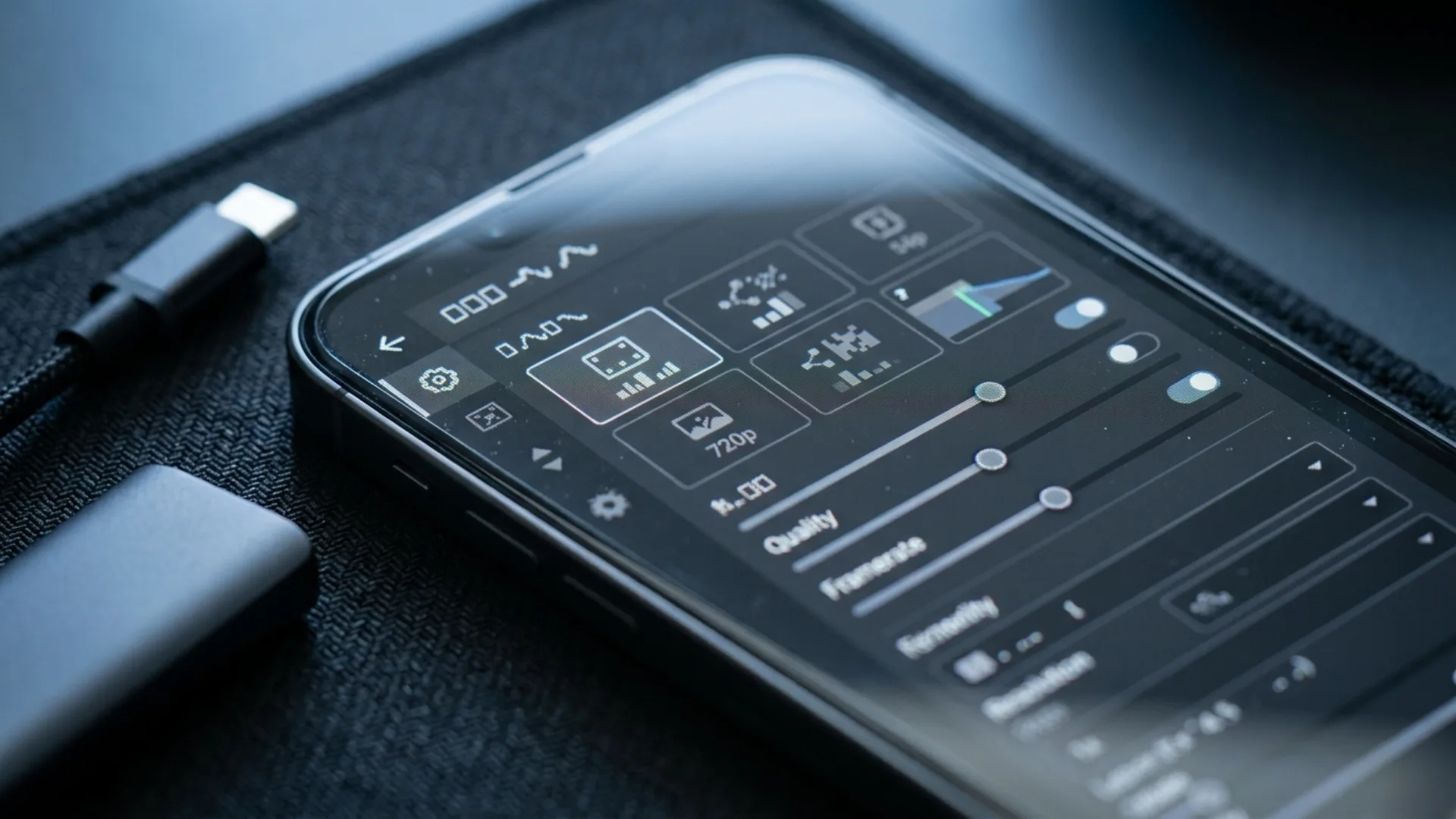
- Your quality or bitrate setting is low. InShot lets you pick a custom quality level, and the default is not always the highest. If you are unsure what bitrate to target, our bitrate guide has the numbers per platform
- The platform re-compressed it. Instagram, TikTok and WhatsApp all re-encode uploads. A soft-looking Reel is often a platform artefact, not an editing one
- The phone throttled the render. Long 4K timelines on older Android hardware are where we saw the most inconsistent output, sometimes with colour shifts
Android users hit this harder than iPhone users because of codec and hardware variation across devices. We wrote a full fix list for that case in how to edit and export Android video without losing quality.
One more habit that helps: export once at the highest setting your phone can manage, keep that master file, and let each platform make its own compressed copy. Re-editing an already exported and re-compressed video is how quality really dies.
Does InShot have auto captions, and are they good enough?
The honest assessment from our test clip: accuracy on clean, close-mic speech was fine, in the rough range independent tests report of 75 to 92 percent. On accented speech, fast delivery or background noise, it dropped enough to need a real correction pass, and correcting captions in InShot means tapping through blocks one at a time rather than editing a single transcript.
For comparison, CapCut generally benchmarks higher, supports far more languages, and lets you edit captions per word. Filmora’s caption guide for InShot reaches the same conclusion.
So the practical rule is:
- Captions are a garnish on your content? InShot is fine
- Captions are the content, as in talking-head, tutorial or podcast clips? Caption elsewhere
If you want the accuracy comparison across every major engine, including the third-party tools that beat both apps, we tested them in our guide to AI automatic captions and subtitles. And for audio clean enough for any caption engine to succeed, the microphone matters more than the app, which is the whole point of recording professional audio with your phone.
InShot vs CapCut: which one should you use in 2026?
Choose CapCut if captions and AI automation save you real hours, you chase trends and need templates, or you want the same project open on a laptop.
The outside consensus is broadly the same. Filmora’s InShot vs CapCut test gives InShot the interface win and CapCut the depth win, Pexo reaches an identical split, and the creator discussion in this Reddit thread comparing both apps lands on the same trade-off: simplicity against capability.
If CapCut’s recent releases are what is tipping your decision, we track them in what’s new in CapCut in 2026, and if you are considering leaving mobile entirely, CapCut vs Premiere Pro covers that jump.
InShot vs VN vs LumaFusion: the rest of the field
- Outgrown InShot but cannot pay? VN is the natural next step, and it is the one app in this group with no watermark on a genuinely free export
- Editing 20 minute videos or multicam on an iPad? LumaFusion, and it is not close. The others are not built for that load
- Android user eyeing LumaFusion? It does not exist on Android in a meaningful way for most creators, so VN is your ceiling
PCMag reaches a similar conclusion in its roundup of the best mobile video editing apps, where InShot is praised specifically for compilations and collages rather than for heavy editing. Our own full head-to-head lives in best mobile video editing apps in 2026.
Is InShot safe to use, and what about privacy?
- It is ad-supported, which means tracking SDKs. The published privacy policy and app documentation reference analytics and advertising components including Firebase, AdMob and AppLovin, which collect device identifiers and usage data to serve targeted ads. Buying Pro removes the ads and the associated ad-serving behaviour
- It wants broad media access. To edit your library, it asks for access to your photos and videos. TechRadar’s review singles this combination out as its main reservation, and app-risk scanners flag sensitive data collection in the listing. This is normal for the category, not unique to InShot, but it is worth knowing
- Modded versions are the actual risk. “InShot Pro APK” files from third-party sites are the genuine safety problem here: no security updates, altered code, and a real history of bundled malware
Practical steps if privacy matters to you: install only from the official stores, pay for Pro to drop the ad SDKs, grant access to selected albums rather than your whole library where your OS allows it, and read the official privacy policy rather than a summary of it.
Is InShot good for YouTube and long-form video?
- Project stability. Crash reports and lost-project complaints cluster around long, effect-heavy timelines. Users on r/InShot regularly describe losing work, and clearing the app cache can wipe projects outright
- No desktop escape hatch. If a project becomes too heavy, there is no way to open it on a computer. Your only option is to export and rebuild
- Audio ceiling. Long videos need dialogue cleanup, ducking and consistent loudness. InShot’s audio toolkit is basic by design
If you edit long-form on a phone anyway, protect yourself:
- Break the video into three to five shorter segments, export each, then join the exports in a final short project
- Export a draft at the end of every session so a crash costs you one session, not the whole video
- Never clear the app’s cache or storage while a project is unfinished
- Keep 20 to 30 percent of your device storage free, since renders fail quietly when space runs low
For Shorts and Reels specifically, InShot is a genuinely strong choice, and the formatting side of that is covered in vertical video filmmaking and aspect ratios explained.
What InShot still gets wrong
- Ads in the free version are intrusive, and they interrupt at the worst moments
- Captions need babysitting, and correcting them block by block is slow
- Layering is PIP-based, so complex compositions feel fiddly next to a true multi-track timeline
- Audio processing is thin. No real EQ or compression, limited effects
- Older devices struggle with 4K files and long timelines, sometimes with colour shifts on export
- Project reliability is the weak point, with lost-work reports too common to ignore
- Music library is limited, and licensing your own tracks is on you
- No desktop version and no project sync, which caps how far the app can grow with you
None of these are dealbreakers for short social video. All of them matter more the longer and more complex your edits get.
Seven ways to get more out of InShot
- Set your canvas before you edit, not after. Pick 9:16, 1:1 or 16:9 first so you frame every clip for the final ratio instead of cropping into it later
- Shoot in the resolution you plan to export. This single habit fixes most “InShot ruined my quality” complaints
- Use keyframes on scale and position, not on filters. Subtle push-ins read as intentional camera movement. Animated filters read as an app preset
- Build a reusable intro as a separate project. Export it once, then drop the file into every new video instead of rebuilding it
- Layer real overlay footage through PIP. Screen or add blend modes with light leaks and abstract elements from a pack like Tour Visual Elements give phone edits a finished look that no built-in filter matches
- Record voice-over in a soft room, not a bathroom. InShot’s voice tools are fine, but they cannot undo reverb
- Grade last, and gently. Use HSL for skin tones and leave contrast for the end. Deeper mobile grading technique is in mobile colour grading on iPhone and iPad
And the highest-leverage upgrade is not software at all. A $30 phone gimbal or a clip-on mic improves your footage more than any editing app can, which is why we maintain a list of mobile filmmaking accessories under $100 and a technique guide for phone gimbal moves.

Should you use InShot, switch, or upgrade?
The verdict
What has changed is the competition. CapCut has pulled ahead on captions, AI and templates. VN gives away a clean multi-track timeline with no watermark. LumaFusion handles the long-form work that InShot was never designed for. So the question is not whether InShot is good, it is whether InShot is good for your workflow, and for a large slice of creators the honest answer is now “yes, with a second app for captions.”
Our score stands at 8.2 out of 10. Buy the lifetime unlock if your store offers it, keep your exports matched to your source resolution, back up long projects, and spend the money you saved on a microphone.
The app is only ever half the picture, though. If your footage is sharp, stable and well lit before it reaches the timeline, any of these editors will look good, which is exactly what our mobile filmmaking guide and cinematic iPhone settings guide are for. And when you want your phone edits to stop looking like phone edits, dropping pro overlay elements from Tour Visual Elements onto a PIP layer is the shortcut nobody expects from a mobile workflow. (Your timeline will thank you.)
Disclaimer : If you buy something through our links, we may earn an affiliate commission or have a sponsored relationship with the brand, at no cost to you. We recommend only products we genuinely like. Thank you so much.
Blog Label:



Write for us
Publish a Guest Post on Pixflow
Pixflow welcomes guest posts from brands, agencies, and fellow creators who want to contribute genuinely useful content.
Fill the Form ✏