AI Sound Design: How to Generate and Edit Sound Effects with AI Tools
- What Is AI Sound Design and How Does It Actually Work?
- What Is the Best AI Sound Effects Generator?
- How Do You Write Prompts That Get Usable AI Sound Effects?
- How Do You Edit and Sync AI Sound Effects in Premiere Pro or DaVinci Resolve?
- Are AI Sound Effects Royalty-Free and Safe for Commercial Use?
- Will AI Replace Sound Designers?
- Conclusion
Quick answer (TL;DR)
AI sound design means generating and editing sound effects with AI instead of only searching stock libraries. Type a text prompt (or upload footage) into a tool like ElevenLabs, Adobe Firefly, Stable Audio, or Mirelo, generate 3 to 4 variations, then layer, sync, and mix the best take in Premiere Pro or DaVinci Resolve.
- Best for quick one-shots: ElevenLabs
- Best for timing control: Adobe Firefly (act out the sound with your voice)
- Best for ambience beds: Stable Audio
- Best for auto-synced SFX from footage: Mirelo AI
- Commercial use: allowed on most paid plans, but check attribution rules on free tiers
AI sound design changes that equation. Instead of scrolling through thousands of clips hoping something fits, you can describe the sound you need in plain words and generate it in seconds, or let a model watch your footage and build matching foley automatically.
In this guide, we’ll break down how AI sound effects generators actually work, compare the best tools available right now, and walk through a practical workflow for generating, editing, and syncing AI SFX into your edits. And for the moments when AI can’t nail that specific cinematic hit, a curated library like Pixflow’s sound effects collection fills the gap with production-ready audio.
This post is part of our bigger guide to AI video tools, where we cover the full AI-powered editing stack from footage to final mix.
What Is AI Sound Design and How Does It Actually Work?
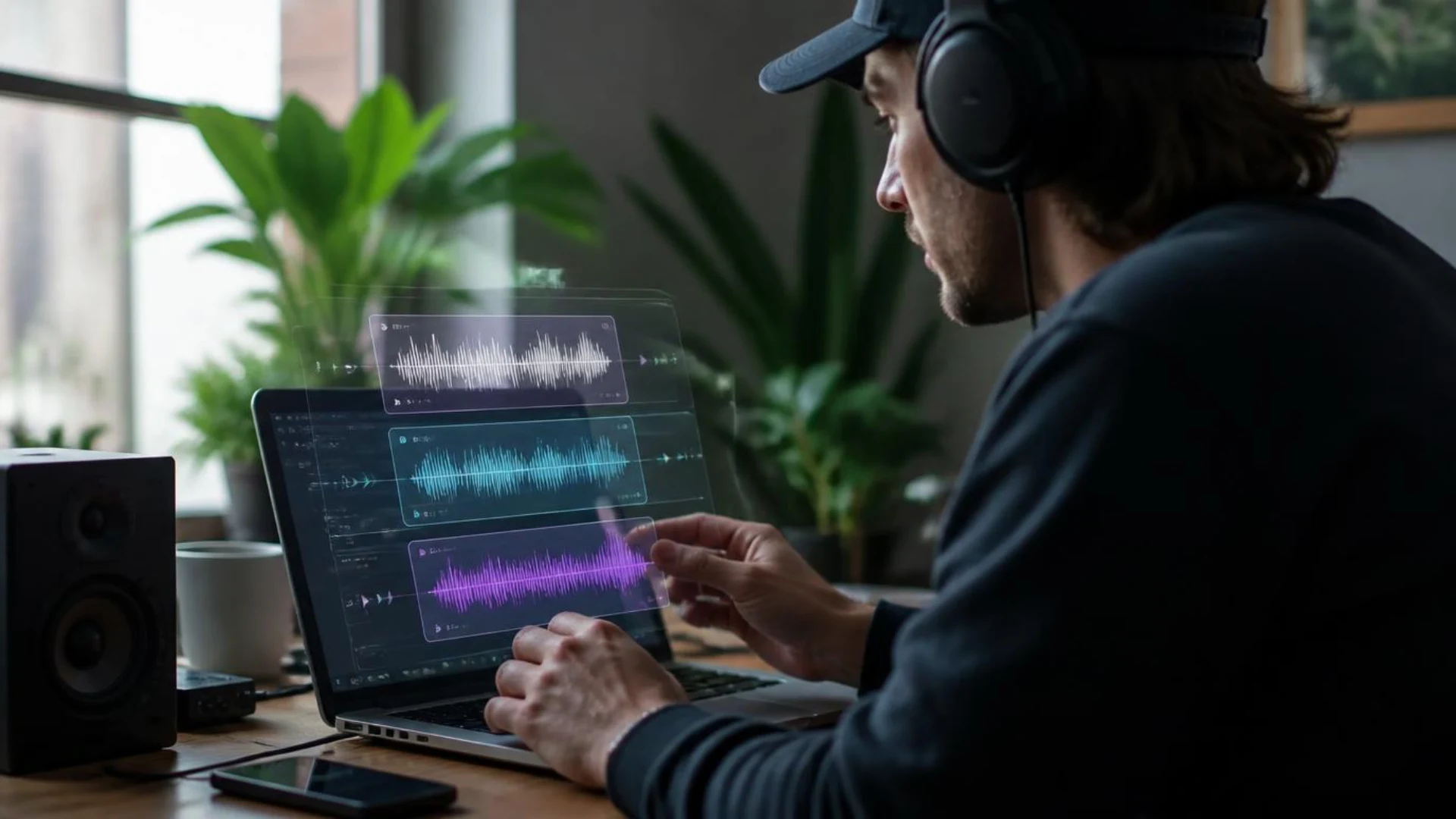
Under the hood, these tools are trained on large datasets of labeled audio. The model learns the relationship between words and sound characteristics, then generates a brand new waveform from your text. No searching, no stock clip, just generative audio built to order.
Right now there are three main ways AI generates sound effects:
- Text to sound effects. Describe the sound in a prompt and get back one or more variations. This is how ElevenLabs, Adobe Firefly, and Stable Audio work.
- Video to sound effects. Upload footage and the model analyzes the motion and scene, then generates synced foley and ambience. Mirelo AI is the standout here.
- Performance-based generation. You perform the timing yourself, either by acting out the sound with your voice (Adobe Firefly) or playing presets live (Krotos Studio).
If you’re already creating footage with text-to-video AI, generative audio is the natural next step: fully AI-assisted scenes still need sound to feel real.
What Is the Best AI Sound Effects Generator?
ElevenLabs
The fastest way to go from idea to usable sound effect. Type a prompt into ElevenLabs’ SFX generator, get several variations of a short clip, download and drop it in your timeline. Paid plans start low and make outputs royalty-free for commercial work, while the free tier requires attribution. Great for whooshes, impacts, UI sounds, and quick one-shots.
Adobe Firefly Sound Effect Generator
Adobe’s Firefly sound effect generator has a genuinely clever trick: you can record yourself acting out the sound (“whoosh… BOOM”) and the model matches your timing and energy while replacing your voice with the described sound. If searches for adobe sound effects and adobe ai audio are any indication, a lot of editors want to stay inside the Adobe ecosystem, and Firefly makes that easy with WAV downloads that flow straight into Premiere Pro.
Stable Audio
Stable Audio, Stability AI’s audio model, shines at longer generations: ambient beds, room tones, evolving textures, and atmospheres. It’s trained on licensed audio, which matters if your client asks where the sound came from. Use it for the underlying atmosphere layer rather than sharp sync hits.
Mirelo AI
Instead of describing a sound, you give Mirelo your footage. It analyzes each scene and generates matching foley, ambience, and effects already synced to the action, with plugins for Premiere Pro and DaVinci Resolve so the whole thing happens inside your editor. For editors who hate manual sound spotting, this is the one to watch.
Canva AI Sound Effect Generator
If your content lives in Canva (social posts, presentations, quick promos), the built-in AI sound effect generator saves you a round trip to another tool. It’s credit-based and simple by design. Don’t expect film-grade output, but for a TikTok pop or notification chime, it does the job.
Krotos Studio
Krotos Studio takes a different approach: instead of generating audio from text, it gives you performable presets built from professionally recorded libraries. You play the sound live against your picture, which gives you the timing control AI prompts can’t match. Sound designers who are skeptical of generative AI tend to like this middle path.
Honorable mentions: OptimizerAI (stereo 44.1 kHz generations with audio variation uploads), SFX Engine (credit-based generator with an API), and Envato’s AI sound generator if you already have an Elements subscription. If you need an ai soundboard for streaming or memes, ElevenLabs and dedicated soundboard makers cover that use case too.
How Do You Write Prompts That Get Usable AI Sound Effects?
Source + action + environment + pacing.
- Source and material: “heavy wooden door”, “glass bottle”, “leather boots on gravel”
- Action: “slams”, “shatters”, “walking slowly”
- Environment: “in a large empty warehouse”, “small tiled bathroom”, “outdoors in rain”
- Pacing and character: “single sharp impact with a long tail”, “rhythmic, 3 seconds, distant”
A few prompts that generate well:
- “Single heavy wooden door slam in a large empty hall, sharp transient, long natural reverb tail”
- “Sci-fi UI confirmation beep, short, clean, slightly metallic, no reverb”
- “Steady rain on a car roof from inside the vehicle, muffled, loopable ambience”
- “Cinematic whoosh into deep sub impact, fast attack, trailer style”
Three extra tips: generate 3 to 4 variations of every sound and pick the best transient, describe distance and perspective (“close-mic” vs “distant”), and avoid pure mood words like “epic” without describing the actual sound. In Firefly, act the timing out with your voice; it’s faster than typing pacing descriptions. (Adobe’s own prompt writing guide for sound effects is worth a bookmark too.)
How Do You Edit and Sync AI Sound Effects in Premiere Pro or DaVinci Resolve?
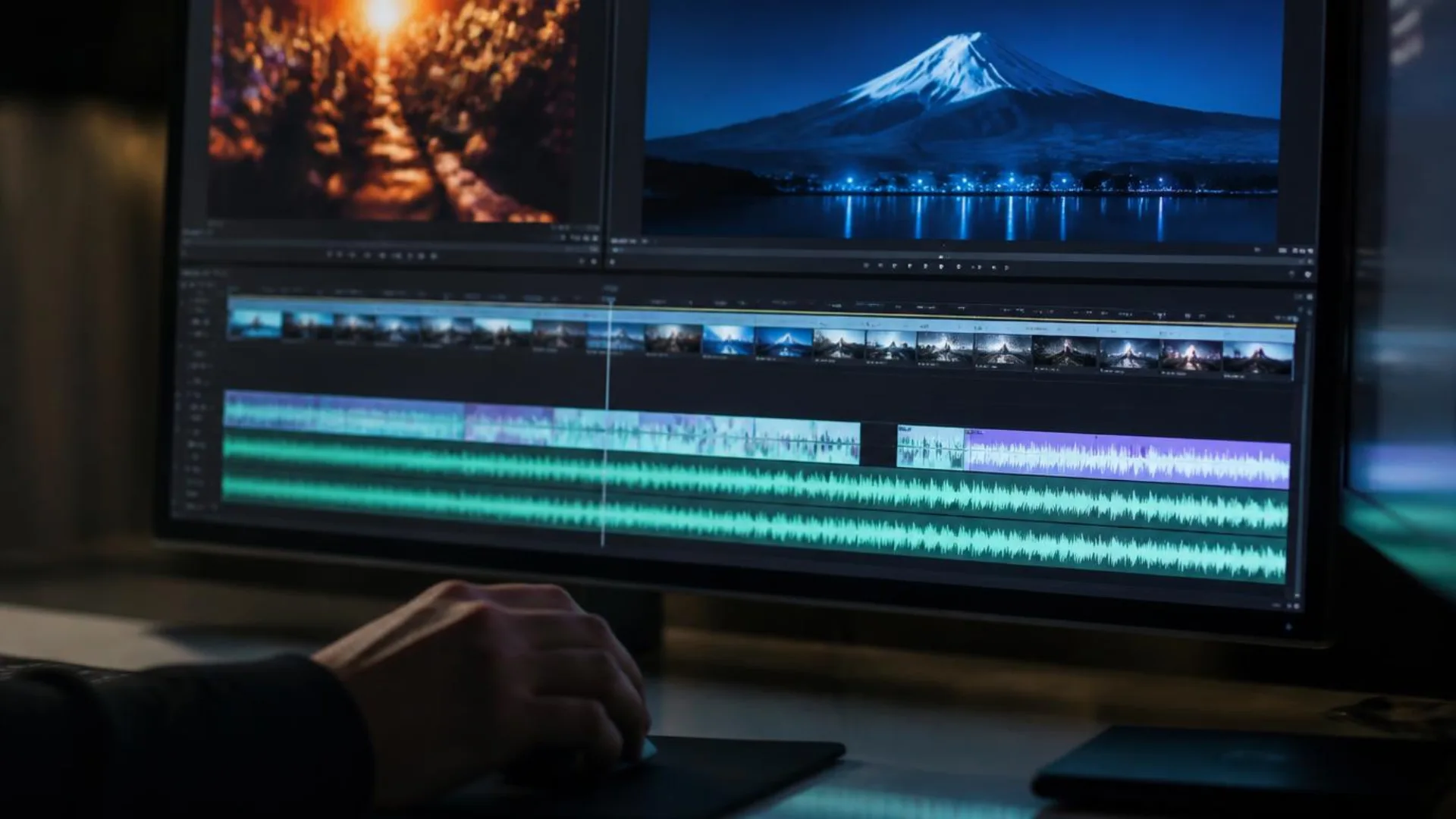
- Generate wide, pick tight. Create several variations, download WAVs (not compressed MP4 audio when you can avoid it), and audition them against picture.
- Cut to the frame. Zoom into the waveform and align the transient peak with the exact frame of impact. A sound that’s 2 frames late reads as fake.
- Layer for weight. AI one-shots often sound thin on their own. Stack a generated impact over a recorded texture bed, and if layering is new to you, our guide to sound effects layering breaks down the low-mid-high stacking method. Professionally recorded beds from Pixflow’s SFX packs pair beautifully with AI one-shots here.
- Clean before you polish. Some generations carry artifacts or noise floor. An AI noise removal pass cleans them up before EQ.
- Match the space. Add reverb that matches your scene’s room, and roll off frequencies that fight your dialogue.
- Mix with intent. Duck SFX under dialogue, keep your loudest hits for the moments that matter, and check loudness on headphones and speakers.
The same logic applies whether your footage is camera-original, generated in Runway (see our Runway ML editing tutorial), or assembled from AI B-roll. Picture sells the shot, sound sells the moment.
Are AI Sound Effects Royalty-Free and Safe for Commercial Use?
- Royalty-free is not the same as copyright-free. Royalty-free means you pay once (or subscribe) and use the sound without per-use fees. It says nothing about who owns the output.
- Free tiers usually have strings attached. ElevenLabs, for example, requires attribution on its free plan; commercial rights come with paid plans.
- Some tools are built for commercial safety. Adobe trains Firefly on licensed content and designs it to be safe for commercial projects, and Stable Audio licenses its training data. That provenance matters for client and agency work.
- Pure AI output may not be copyrightable. In the US, works generated entirely by AI generally can’t be copyrighted, which means you can use the sound but may not be able to stop others from using an identical generation.
Practical checklist before you ship a project: confirm your plan includes commercial use, save a record of the plan you generated under, and for broadcast or client-indemnified work, favor tools with licensed training data or use professionally licensed library sound.

Will AI Replace Sound Designers?
Sound design is choice, timing, layering, and mix. AI compresses the sourcing step from hours to seconds, but it doesn’t know that your cut needs silence before the impact, or that the third whoosh should pitch down to match the camera move. That’s still you.
The realistic picture for 2026 looks like this:
AI isn’t replacing sound designers. It’s replacing the hour you used to spend scrubbing through search results for a door slam.
Conclusion
Start small on your next edit: generate three variations of one sound, layer the best one over a recorded bed, and cut it to the frame. You’ll hear the difference immediately.
Ready to give your AI one-shots some real weight? Explore Pixflow’s sound effects library for production-ready SFX packs that layer perfectly under anything you generate. (Your timeline will thank you.)
Disclaimer : If you buy something through our links, we may earn an affiliate commission or have a sponsored relationship with the brand, at no cost to you. We recommend only products we genuinely like. Thank you so much.
Blog Label:



Write for us
Publish a Guest Post on Pixflow
Pixflow welcomes guest posts from brands, agencies, and fellow creators who want to contribute genuinely useful content.
Fill the Form ✏